 FigEditor
Generate with reference images
Set a visual direction

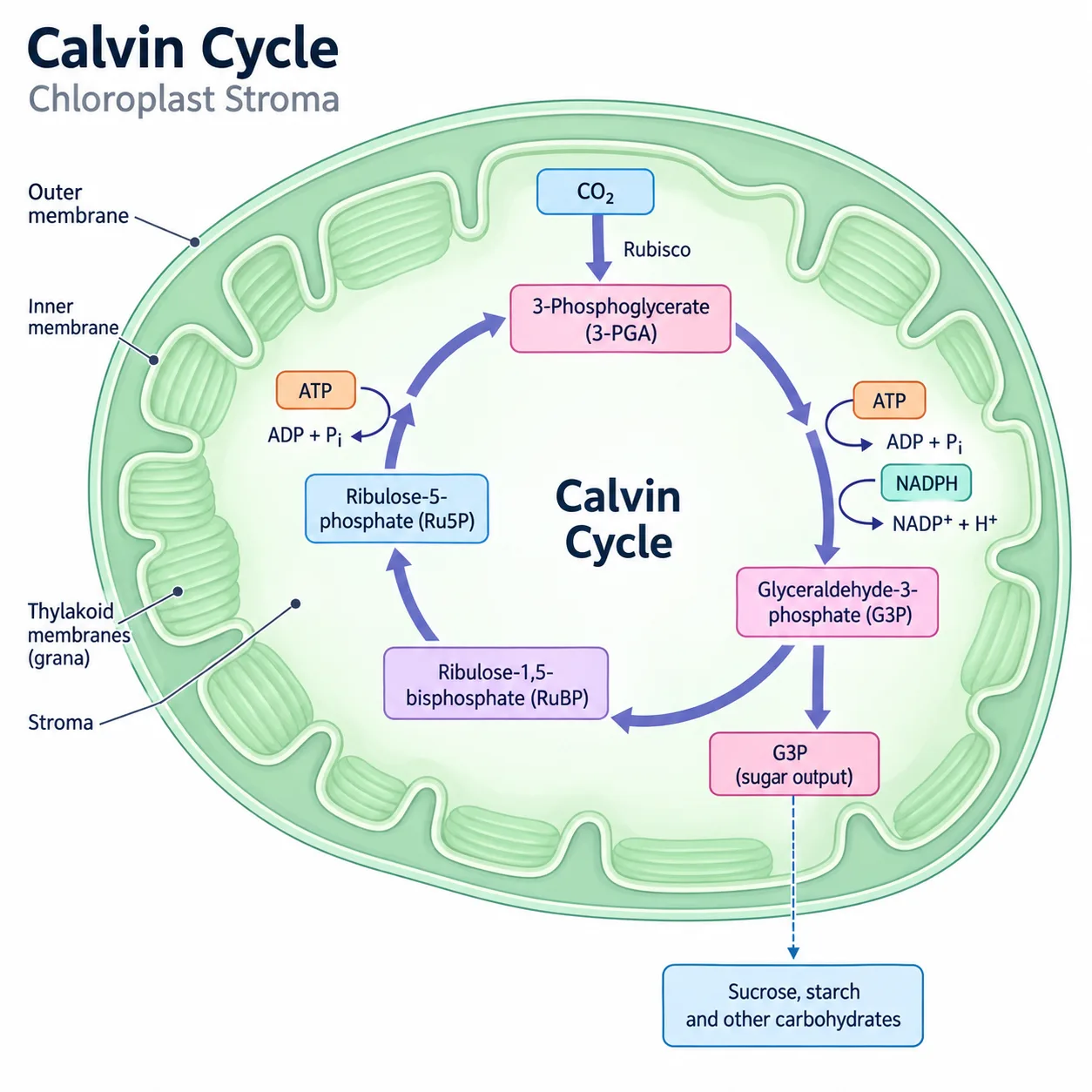
Build an original scientific figure with visual guidance from your own examples, then review the result in FigEditor.
A reference can communicate a layout, palette or drawing style more clearly than a long prompt. In FigEditor, use that visual direction to create a new figure about your research, rather than reproduce someone else's scientific content.
When references help
- Extend the visual language of a figure series while giving each panel its own purpose.
- Show the balance of labels, whitespace and illustrations you want in a graphical abstract.
- Use your own sketch to explain where structures and arrows should go.
- Align colors and line weights across a poster or presentation.
Prepare, generate and review
- Open the figure generator and attach your reference images. Choose PNG, JPG or WebP files; the current workspace accepts up to four images with a combined size of 10 MB.
- Describe the scientific subject, relationships and labels. Say which features of the references matter, such as a flat drawing style or a left-to-right layout.
- Generate the draft, then inspect the structures, terminology and scientific meaning. A reference guides appearance; it does not establish that the generated content is accurate.
- Refine the result in your project. For vector cleanup, open the SVG converter and review the converted shapes and text before exporting.
Keep the brief specific
Start with a small set of compatible examples. Explain what to use and what to leave out. For example, keep a reference's restrained palette while drawing a different mechanism with labels from your own study. Use material you have permission to use, and verify every result before sharing it.