
Choose an Editable Figure Workflow Beyond the First Draft
Compare the editable master, revision controls and receiving application before selecting a generation workflow.
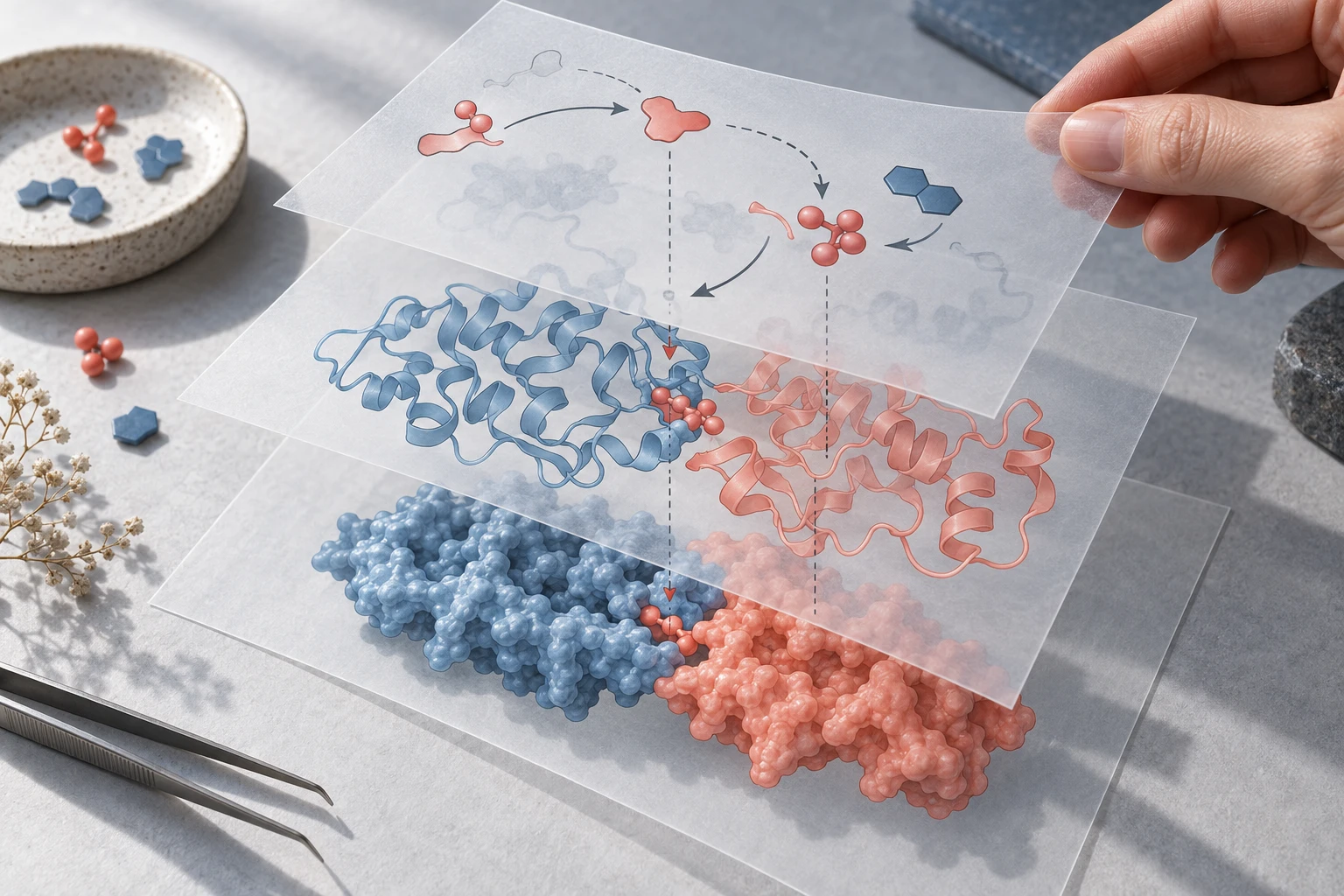
A figure can be editable in one respect and flattened in another. Consider a kidney-filtration teaching panel with a hand-drawn tubule, three labels and a microscopy inset. The correct alternative workflow depends on which of those elements must survive the next revision.
Write an object contract before choosing a tool
For this example, require the labels to remain text, the flow arrows to remain separate geometry, and the microscopy inset to remain an unchanged raster image. Do not require vectorisation of the micrograph: changing its pixel content could change the evidence.
FigureLabs documents SVG and PPTX export. Use that as a starting point for a file inspection rather than a blanket promise about every object.
| Element | Required delivery | A failed handoff looks like |
|---|---|---|
| Three compartment labels | Three editable text objects | One outlined label cannot be retyped |
| Two flow arrows | Separate selectable paths/shapes | Arrow is merged into the background |
| Tubule illustration | Reviewed drawing or clearly identified image | Anatomy changes unnoticed during revision |
| Microscopy inset | Original pixels with documented crop | AI redraws the experimental image |
Choose one of three practical routes
A supported vector master already exists. Import it into an object editor, save a backup, change one label and reopen the export. This route avoids paying for a new visual interpretation when the task is just editing.
Only a flat conceptual illustration exists. Separate the illustration from the labels you expect to revise. Recreate the small label/arrow layer manually if tracing would produce hundreds of fragments. An embedded background plus editable labels may be more maintainable than an indiscriminate full-image trace.
The composition is still unsettled. Draft a small conceptual image first, review anatomy, then rebuild or convert only the parts that need object editing. Keep experimental images outside the generated artwork.
Run a six-object handoff test
Count the three labels, two arrows and one inset: six items have explicit requirements. Ask another person to change label 2, reverse only arrow 1 and replace the inset with a same-size test image. Check the other five elements after each operation.
This is an acceptance exercise, not a measured ranking. A successful import alone is insufficient: the receiving application must support the edits you need. Keep font names and any substitutions in the handoff note.
Deliver a master and a viewing copy
Name the editable document separately from the PNG/PDF used for review. Once panels are stable, assemble them at the intended physical width and check the smallest label at print size. A 4K request or large canvas cannot restore missing detail in the microscopy source.
Include the source permissions and the journal’s current image policy. Publication permission, scientific correctness and editable objects are separate requirements; one does not establish the others.