
Choose a Revision Workflow for an Illustration-Based Figure
Check the delivered format and actual object structure before moving a figure between design tools.
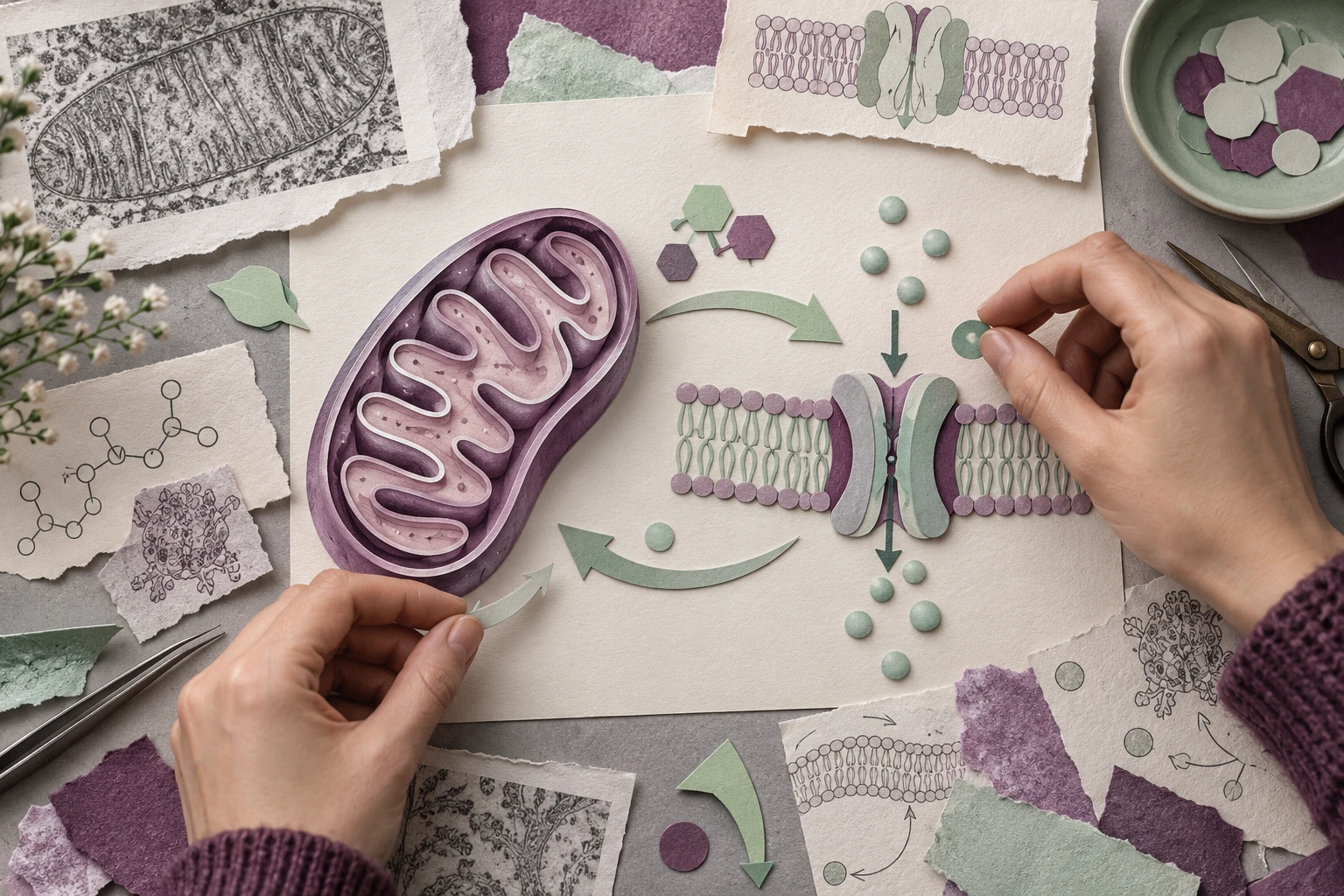
An ecology graphical abstract might need a soil profile, a root system and a fungal interaction inset. The challenge is not simply finding more icons: it is keeping the three visual sources consistent and retaining their permissions through publication.
Make an asset ledger before drawing
For a teaching exercise, use three compartments—soil, root and fungus—and two explicitly hypothetical interactions. Do not present those arrows as measured ecological effects.
| Asset | Origin to record | Revision requirement |
|---|---|---|
| Soil profile | Original drawing or licensed library asset | Change layer colours |
| Root system | Original/reference source | Move one branch without altering the whole panel |
| Fungal inset | Library or generated illustration | Replace its label and preserve provenance |
Mind the Graph’s publication FAQ describes different attribution/watermark conditions for free and paid use. Check the applicable current terms for the actual assets and destination; exporting through another editor does not erase those conditions.
Compare library assembly with a custom illustration
In a library workflow, choose assets with compatible perspective and line weight. Avoid mixing a shaded 3D root with flat soil layers unless that difference serves the explanation.
For a generation workflow, use a bounded brief:
Conceptual ecology teaching diagram: a vertical soil profile on the left, a simple root in the centre, and a separate fungal inset on the right. Label Soil, Root, Fungus. Use the same flat style in all three. Leave interaction arrows out; I will add the reviewed relationships separately. Do not add species names, abundance data or measured effects.
Adding the two arrows after scientific review makes the distinction between visual composition and scientific claim explicit. It also makes a later relationship change easier to audit.
Test the asset that matters most
If your manuscript depends on an unusual root morphology, do not score a generic root as success merely because it looks attractive. Supply an authorised reference or draw the defining branch pattern yourself. Check whether the tool changes those defining features during a style revision.
A useful local edit is: “Move only the fungal inset 10 mm right; keep its scale and the soil profile unchanged.” Compare before and after. Record whether the move was direct object editing or a new image interpretation.
Prepare a publication handoff
Deliver the final viewing copy together with the editable master and asset ledger. List which elements are embedded raster images and which are editable geometry. Include required citations in the figure legend rather than leaving them only in a private design note.
Choose an alternative when it solves the actual constraint—missing morphology, local editing, consistent style or permitted delivery—not because it makes an unsupported promise of universally accurate scientific artwork.