
Compare FigEditor and BioRender Through a Revision Task
Evaluate supported objects, panel assembly and the receiving workflow instead of choosing from a thumbnail alone.
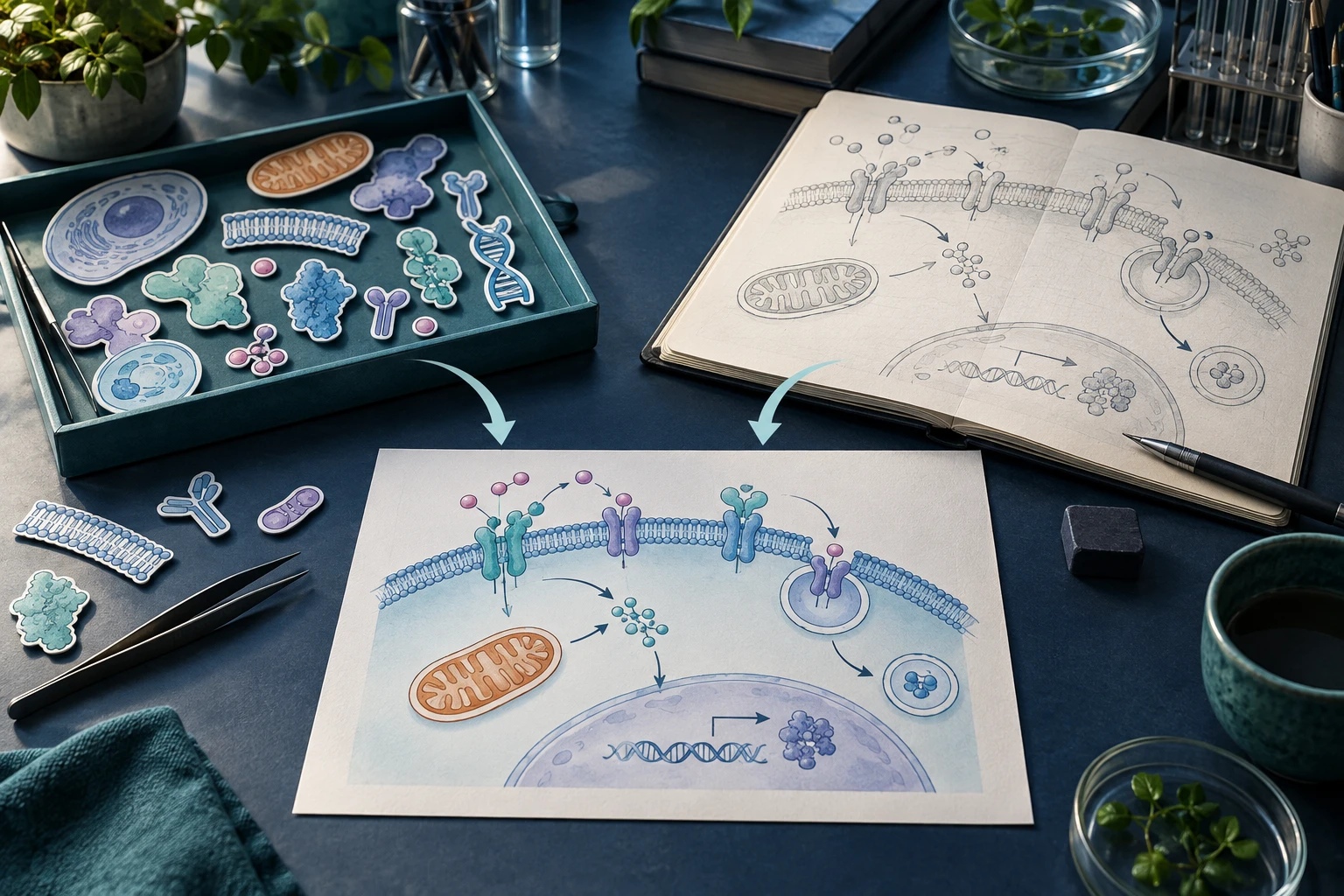
A flow-cytometry paper may need both a conceptual sample workflow and quantitative gating plots. Comparing FigEditor with BioRender is more useful when those two jobs remain separate. Neither a plausible generated plot nor a decorative redraw can replace measured events.
Split the figure into four panels
Use this plan for a hypothetical study layout; the numbers are placeholders for your real analysis.
| Panel | Source of truth | Appropriate task |
|---|---|---|
| A: Sample handling | Approved protocol | Conceptual workflow illustration |
| B: Gate definition | Analysis software export | Preserve axes, gates and event distribution |
| C: Group comparison | Statistical analysis | Plot the actual values and uncertainty |
| D: Interpretation | Reviewed study conclusion | Short explanatory diagram |
Drafting tools can help with A and D. B and C should originate from the actual analysis. Keep raw data and analysis settings outside the artwork document.
Test the illustration route with one panel
For panel A, try a tightly bounded brief in the FigEditor figure workspace rather than uploading an entire unpublished manuscript:
Draw a conceptual sample workflow: Collect sample → Prepare single-cell suspension → Stain → Acquire. Four boxes, three right arrows, no instrument brand, no gating plots and no invented measurements. Leave a clear region for a manually checked caption.
Use the same workflow in the alternative product. Check that preparation and acquisition have not swapped, that no extra experimental step appeared, and that all four labels remain readable at the final panel size.
Evaluate assembly at the final width
Suppose the complete figure is 183 mm wide with two columns and a 5 mm gap. Each column is (183 − 5) / 2 = 89 mm wide before outer margins. A 1,050-pixel plot placed at 89 mm has about 300 DPI: 1050 ÷ (89 / 25.4) ≈ 300.
This calculation evaluates the source pixels. Exporting a wider canvas does not increase the information in the plot. Use the target journal’s actual width and resolution requirements rather than treating this example as a universal rule.
Check rights and scientific meaning separately
BioRender’s academic licence governs use of its library content. Check the applicable publication licence and citation. Review the terms of each tool and the permissions for uploaded references separately.
For either route, ask a co-author to verify gates, group labels, sample sizes and explanatory arrows against the analysis. Keep conceptual drawings visibly distinct from quantitative panels.
A useful decision record
Record the effort to make panel A, correct one step name, assemble all four panels and reopen the delivery file. Include repairs, permission paperwork and whether a collaborator can revise labels. That record supports a workflow choice for the study; it does not establish a universal product ranking.